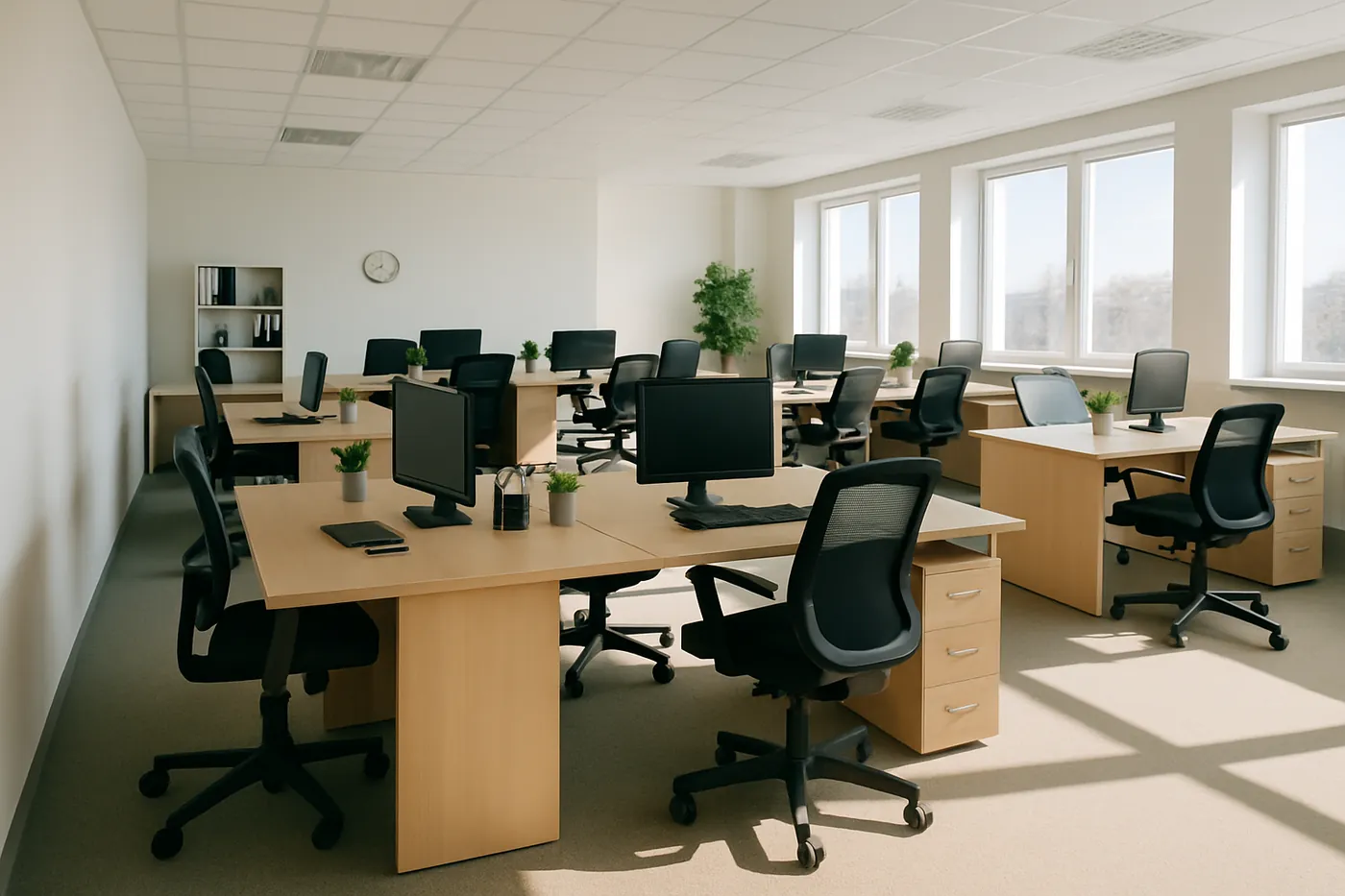
Clean Desk Checklist for Office Workstations
Desks are where most office work happens, and where most hands land. Keyboards, mice, phones and desk surfaces are touched hundreds of times a day, often while people eat, drink and share equipment. A simple clean desk checklist keeps workstations hygienic, tidy and ready for the next working day.
This guide covers what to do daily, what to do weekly, and how to handle hot desks, so your team and your cleaners can each play their part.
Why a clean desk policy matters
A clean desk policy is about more than appearance. It helps in four ways:
- Hygiene: shared touchpoints spread germs quickly, especially during cold and flu season. See our guide to germs you don't know about in your office.
- Confidentiality: documents left on desks can be read by visitors, contractors and other staff.
- Better cleaning: cleaners can only wipe surfaces that are clear. A cluttered desk usually gets cleaned around, not cleaned properly.
- Focus: a tidy workstation is easier to work at and easier to share.
Daily clean desk checklist
These tasks take a few minutes at the end of each day:
- Clear paperwork and lock away anything confidential.
- Remove cups, plates and food, and put them back in the kitchen.
- Bin rubbish, tissues and food packaging.
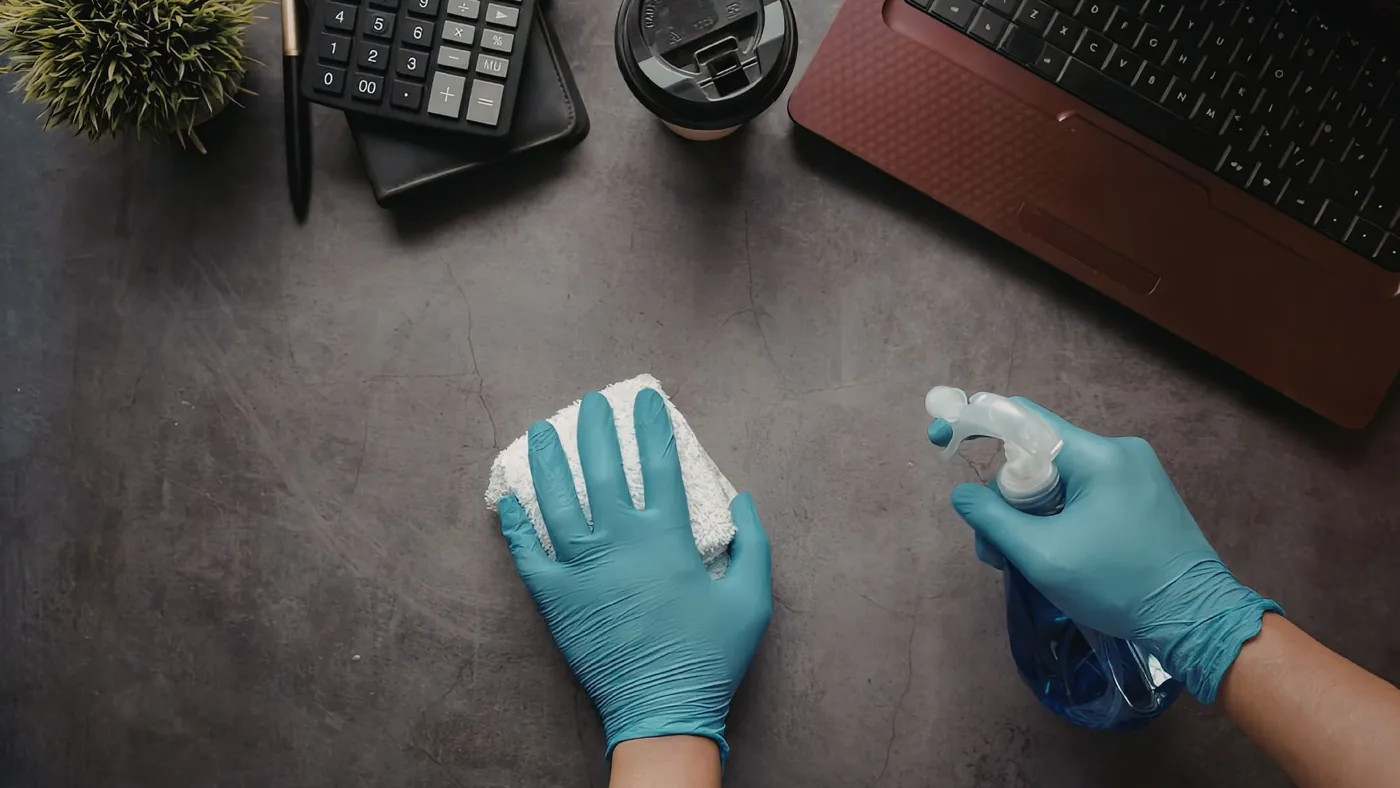
- Wipe the keyboard, mouse and phone handset with a suitable electronics wipe.
- Wipe the desk surface once it is clear.
- Leave cables tidy and the chair pushed in, so cleaners can reach the floor.
Weekly workstation checklist
- Clean monitor screens with a screen-safe cleaner and a microfibre cloth. Never spray liquid directly onto a screen, and never use bleach on electronics.
- Dust cables, monitor stands and the back of the desk.
- Wipe chair arms, the chair base and adjustment levers.
- Clear out desk drawers and pedestal units.
- Wipe personal items that stay on the desk, such as desk lamps, pen pots and headsets.
Hot desks and shared workstations
Hot desking means several people use the same keyboard, mouse and desk in a week, sometimes in a single day. A few simple rules keep shared desks hygienic:
- Wipe the desk, keyboard and mouse at the start and end of each booking.
- Keep wipes and hand sanitiser at every bank of hot desks.
- Give staff lockers so personal items do not stay on shared desks.
- Leave the desk completely clear at the end of the day.
What staff should do, and what your cleaners should do
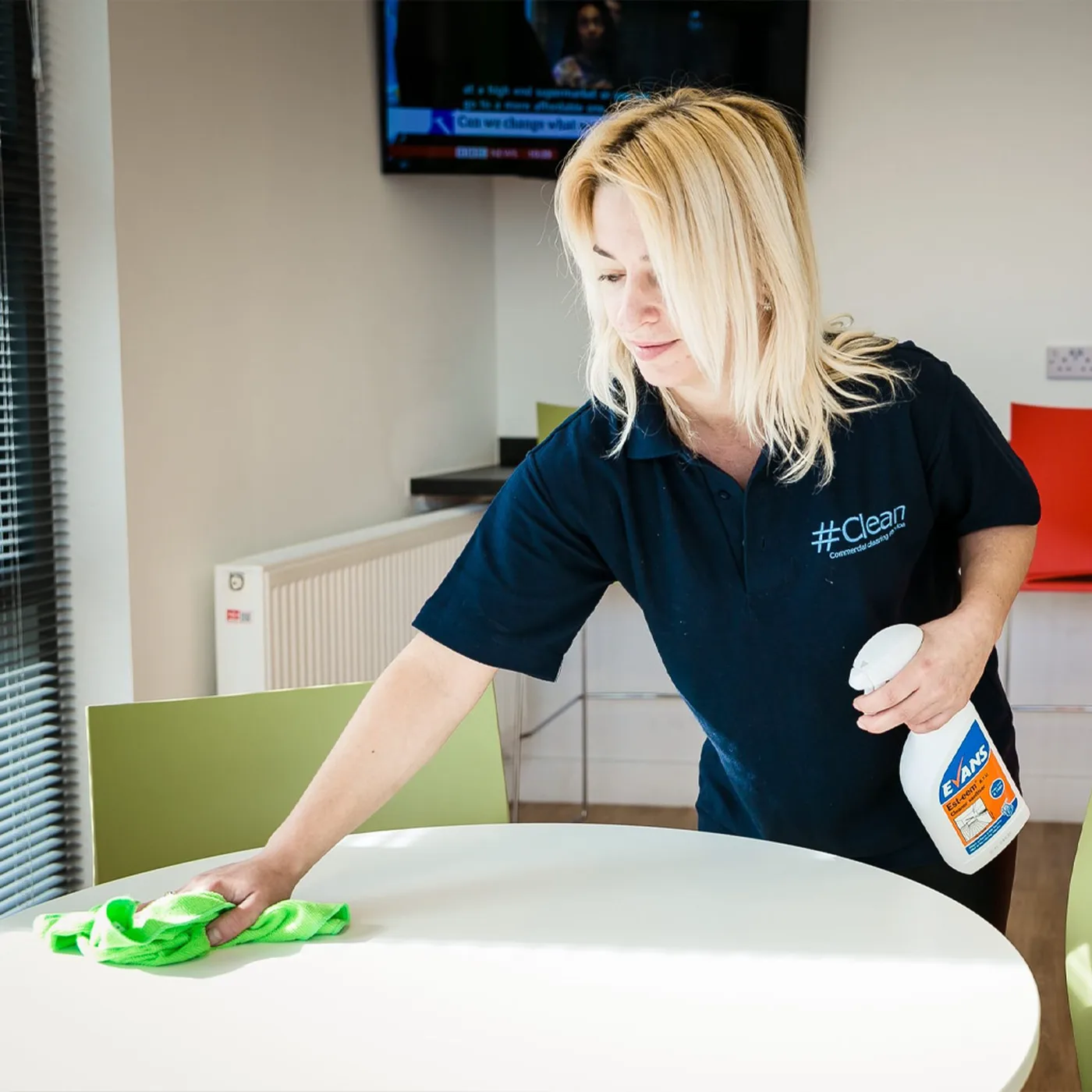
The most effective approach splits the work. Staff clear their desks and handle their own equipment during the day. Your cleaning team then cleans the cleared surfaces, touchpoints and floors. Many offices schedule this outside working hours. Read why evening office cleaning works well for many businesses.
Regular cleaning keeps day-to-day standards up, but desks, chairs and equipment also benefit from a periodic deeper clean. Our guide on how often you should deep clean your office explains how to plan this.
Put it in writing
A clean desk checklist works best when everyone knows it exists. Add it to your staff handbook, put a short version near hot desk areas, and agree with your cleaning provider which tasks are theirs. That way nothing is missed and nobody assumes someone else will do it.
How Hashtag Clean can help
Hashtag Clean provides office cleaning across Surrey, Sussex and Kent, from once a week to daily. Every contract is built around a bespoke, site-specific checklist, and our cleaners are directly employed, so the same trained team looks after your workstations visit after visit.
Request a quote to talk through a cleaning plan for your office.